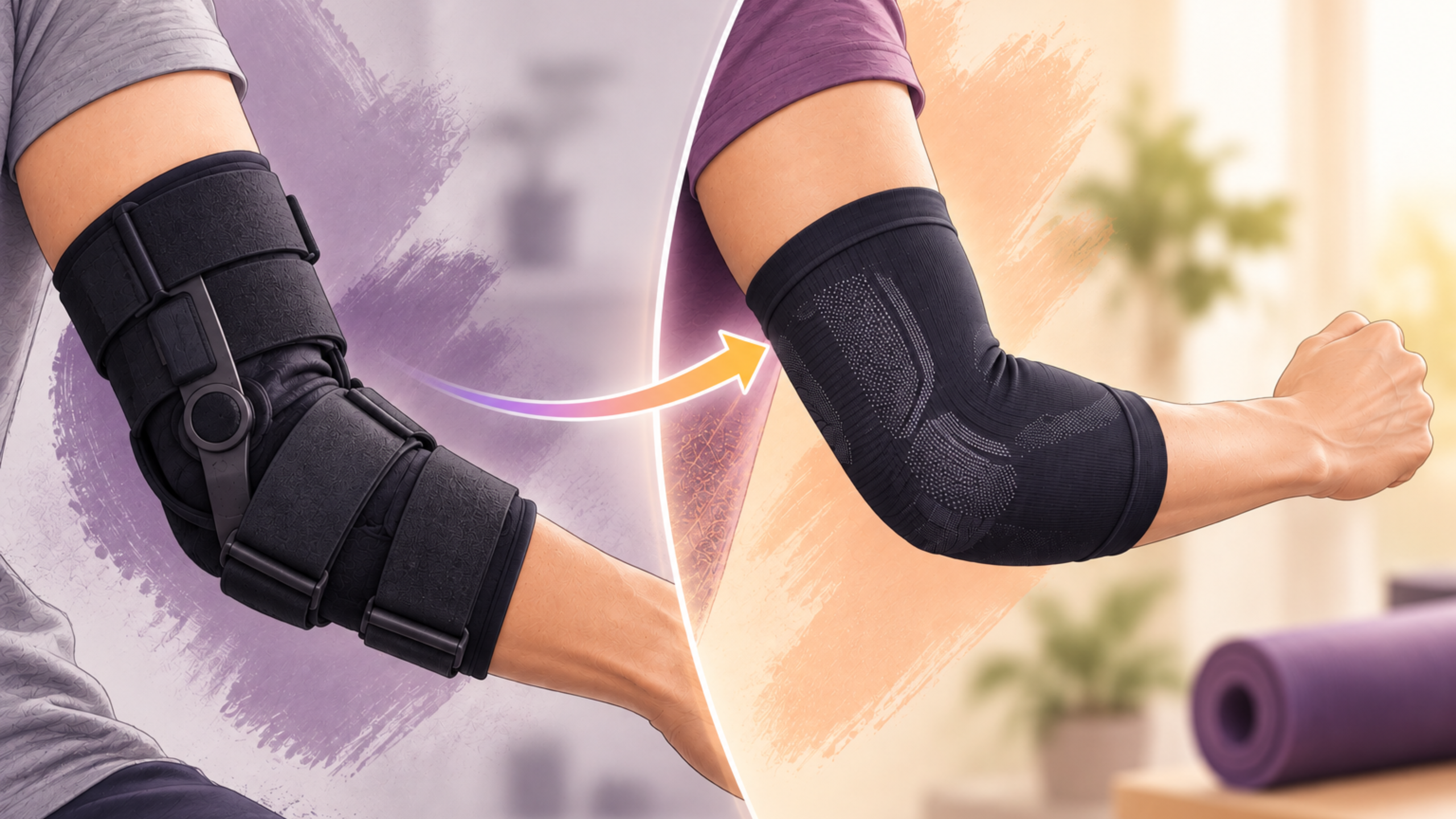




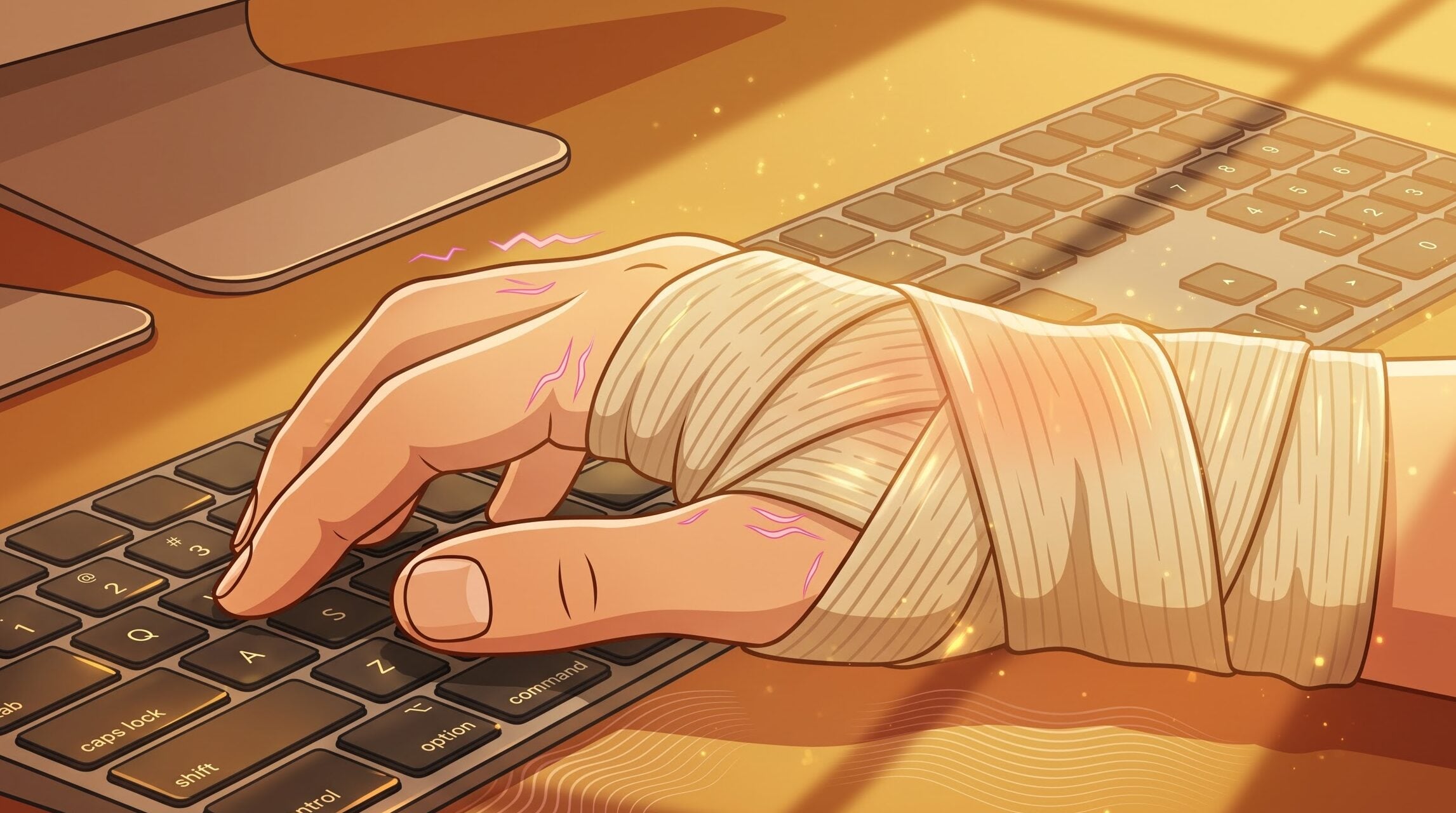
Imagine typing through an eight-hour shift with a bulky, beige medical bandage wrapped around your wrist. It catches on your sleeve, traps heat, and gets dirty after two days. Worse, every time you join a video call, it looks like you are recovering from a minor injury rather than crushing your workload. The wrist support urbane, was designed to solve exactly this – wrist fatigue without the medical look.
That is the trade-off most office workers make when dealing with wrist fatigue: choosing between, restrictive medical gear or no support at all
Can an ergonomic wrist support fit under your shirt cuffs without looking like a bandage?
Yes, if it is engineered for aesthetics, not just immobilizing an injury.
For years, wearing joint support at work meant strapping on a bulky, scratchy, hospital bandage. It caught on suit jacket linings, bunched up under dress shirt cuffs, and looked more like a heavy medical bandage than a professional accessory.
The modern “desk-glove” aesthetic changes that entirely. By combining low-profile compression engineering with high-end textile design, modern wrist supports fit seamlessly into corporate wardrobes and sleek desk setups.
Will wearing a wrist brace at your desk, limit your typing speed?
No, if you wear a soft, flexible wrist support with an anatomical thumb loop and adjustable strap, your typing speed and finger speed stay completely normal.
Unlike rigid braces, a soft compression support is engineered for joint stability, not full immobilization. It holds your wrist in a healthy, straight line while leaving your fingers 100% free to glide across your keyboard and trackpad.
What Happens When You Wear a Soft Support with a Strap & Thumb Loop?
A soft support with a built-in thumb loop acts like a subtle anchor. It prevents the sleeve from sliding up your forearm while providing gentle compression around your joint.
According to ergonomic and physical therapy guidelines, using a soft support during typing is safe and effective as long as it meets these key criteria:
- The strap gently prevents extreme wrist extension while you type.
- The thumb loop should hold the brace securely without pulling or pinching the base of your thumb. You should easily reach the spacebar and grip your mouse without straining.
- The compression should relax your forearm muscles, not fight them. If you feel like you have to smash the keys harder to compensate for the brace, the strap is pulled too tight.
- Support should relieve aching, never cause it. If you feel new tingling, swelling, or tightness at the base of your thumb, loosen the strap immediately.
Why Do You Need a Wrist Support for Typing?
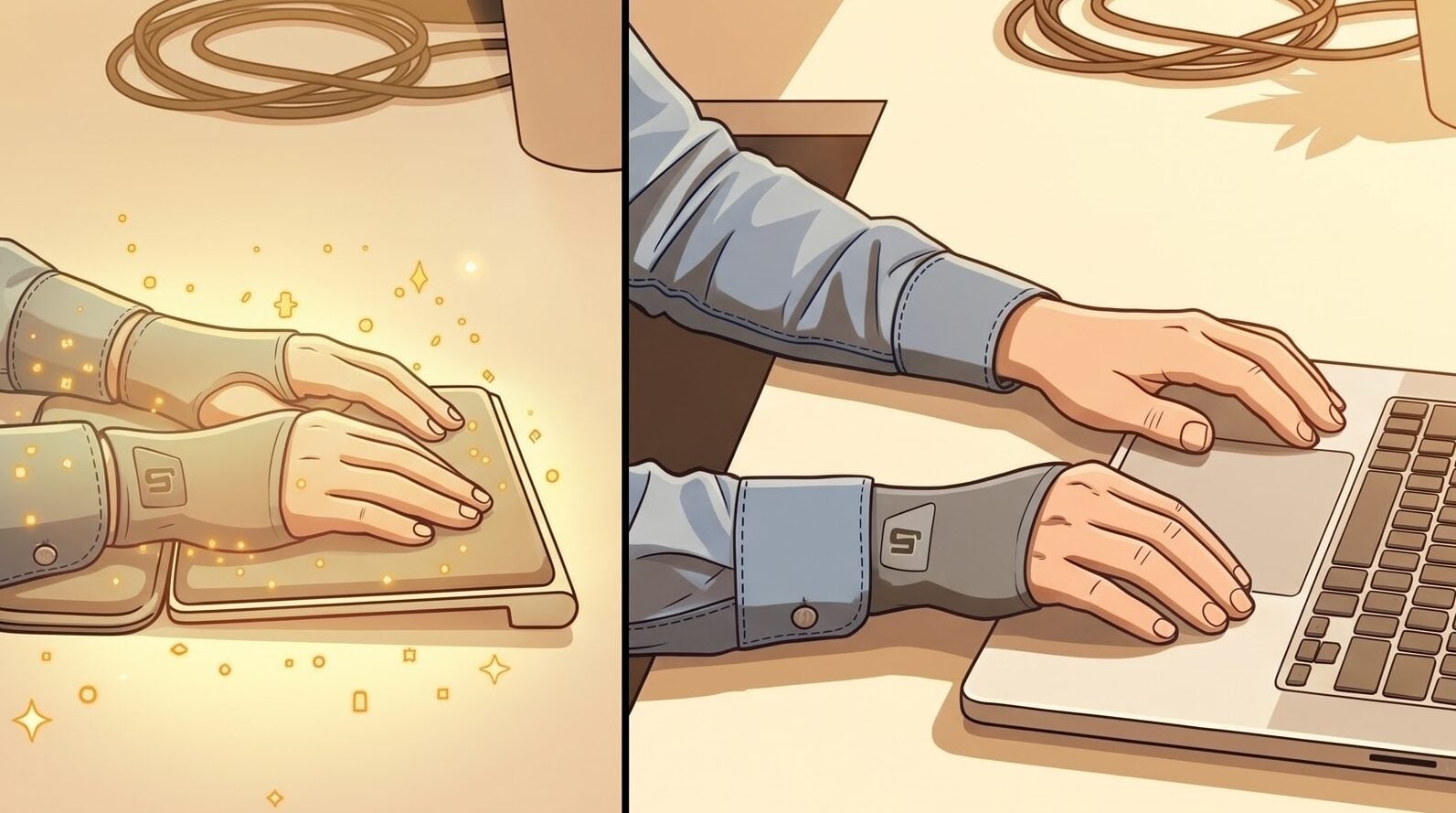
If you spend hours typing away at a desk, your wrists are doing a lot of heavy lifting. Ever feel that nagging ache, stiffness, or tingling after a long workday? That’s your body asking for a bit of support.
Using a wrist support (or practicing proper wrist positioning) is one of the easiest ways to keep your hands comfortable and pain-free. Here is a simple breakdown of why wrist support matters and how it keeps you typing smoothly.
Awkward angles
When typing on a flat desk or laptop, it’s easy to bend your hands upward at an awkward angle. This puts unnecessary tension on your joints and tendons. A wrist support raises your palms so your hands stay flat and parallel to the keys, giving you a natural, strain-free posture.[2]
Protection against nerve pressure
Resting your wrists directly on the sharp, hard edge of a desk squeezes the soft tissue and nerves on the underside of your wrists. Over time, this constant pressure can lead to painful conditions like Carpal Tunnel Syndrome. A cushioned rest absorbs that pressure and keeps your nerves happy.[2]
Prevents skin irritation and friction
Rubbing your wrists against a hard desk surface all day can cause skin friction, redness, or irritation. Soft padding creates a smooth layer between your skin and your furniture, making long working sessions far more comfortable.[2]
Boosts daily productivity
When your hands and arms aren’t aching, you type faster, focus better, and finish work without constant stretch breaks. Preventing physical strain keeps your energy high throughout the entire workday.[2]
What Is the Difference Between Carpal Tunnel Strain and Typing Fatigue?
Hand and wrist discomfort after computer work is common, but typing fatigue and carpal tunnel syndrome are not the same thing. Typing fatigue usually improves with rest, breaks, and a better workstation setup. Carpal tunnel syndrome is a nerve condition that can cause persistent numbness, tingling, weakness, and night-time symptoms.[1]
Carpal tunnel happens when a main nerve in your wrist gets squeezed, turning simple everyday tasks into a hassle.
- Finger Numbness – Prickling or dead feelings in your thumb, index, middle, and ring fingers.
- Electric Shocks – Sudden burning or sharp, zapping pain shooting through your hand.
- Nighttime Discomfort – Pain or tingling that wakes you up or greets you first thing in the morning.
- Weak Grip – Difficulty holding mugs, turning doorknobs, or opening jars.
- Clumsy Hands – Dropping your phone, keys, or small items more often than usual.[1]
Typing fatigue is temporary discomfort from prolonged or repetitive computer work. It is not one specific medical condition. It may happen when you type for long periods without changing position, use a mouse intensively, hold your wrists at an awkward angle, tense your shoulders, or work at a poorly adjusted desk.[1]
Typical signs include:
- A dull ache in the hands, wrists, or forearms
- Tight or stiff fingers
- Mild cramping after long typing sessions
- Tired hands that feel better after a break
- Soreness linked closely to a particular task, posture, or workstation[1]
How the betterhood Wrist Support Fits the “Wrist Support Urbane” Standard
Finding a wrist support urbane enough for a modern office means choosing gear that protects your joints without looking like a bulky medical bandage.
The betterhood Wrist Support features a sleek, low-profile grey finish with a signature yellow logo tab, giving you modern protection that ticks every box for workplace style and typing speed:
Doesn’t Slow Your Typing Speed: As a truly lightweight wrist support urbane, its soft anatomical thumb loop anchors the wrap while leaving your thumb and fingers 100% free to hit the spacebar and grip your mouse naturally.
Keeps Your Wrist Straight: The adjustable strap with a secure closure gently holds your joint in a healthy, straight line, preventing typing strain and carpal tunnel pain.
Fits Under Dress Shirt Cuffs: Ultra-thin and compact enough to fold away into a tiny pouch, this wrist support urbane glides under suit jackets, dress shirts, and knitwear without bunching up or creating awkward bulges.
Matches Your Desk Setup: Designed in a clean grey colorway with vibrant branding, it looks like a stylish, modern tech accessory rather than a hospital splint during Zoom calls and meetings.
Safe Recovery & Prevention: Whether you are recovering from a minor strain or preventing repetitive typing fatigue, this wrist support urbane delivers all-day compression while keeping your skin cool and dry.
FAQ
Can I wear a soft wrist support all day at my desk?
It is best to wear soft supports in strategic intervals, such as during high-volume typing sessions or pain flare-ups. Wearing any support continuously without breaks can cause your forearm muscles to become dependent on external stability. Take short hourly micro-breaks to stretch and move your joints naturally.
How does a soft wrist support help both typing strain and bike commuting?
Soft supports deliver dual-action protection: they keep the wrist joint straight to prevent nerve pinching during extension (typing or gripping handlebars) and absorb micro-vibrations (desk impact or road chatter) before they cause tendon inflammation.
What makes a wrist support “urbane”?
A wrist support urbane is engineered for modern corporate and remote desk environments, featuring an ultra-thin silhouette (under 2 mm), matte-black or sleek grey finishes, and seamless edges that fit discreetly under dress shirt cuffs and suit jackets.
How tight should a soft wrist support be wrapped for typing?
It should feel like a firm, snug hug, never a squeeze. You should be able to slide a finger easily under the edge of the strap. If you feel throbbing, skin indentation, or cold fingers, the support is wrapped too tightly and is restricting blood circulation.
How tight should a soft wrist support be wrapped for typing?
It should feel like a firm, snug hug, never a squeeze. You should be able to slide a finger easily under the edge of the strap. If you feel throbbing, skin indentation, or cold fingers, the support is wrapped too tightly and is restricting blood circulation.
Reference
- https://www.mayoclinic.org/diseases-conditions/carpal-tunnel-syndrome/symptoms-causes/syc-20355603
- https://www.odinlake.com/blogs/workspace/importance-of-using-wrist-support-while-typing?srsltid=AU7gw4VebJAZ4noXKMmhy55-n2zjCNSAzF-ek6SLetcQcgxH847Xz0PU#article-section-importance-of-using-a-wrist-support
Disclaimer: This content is for informational purposes only and does not substitute professional medical advice, diagnosis, or treatment. Always consult a physician or physical therapist for persistent pain.